

 Scroll for more
Nav bar
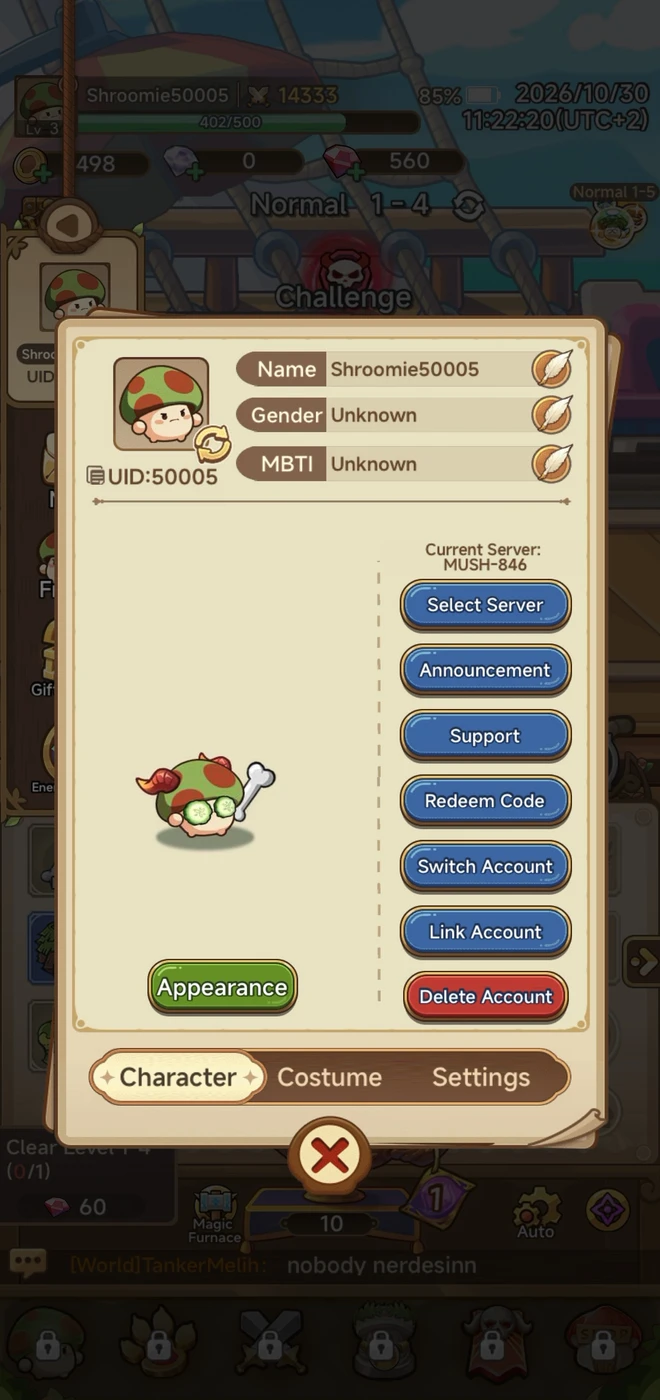
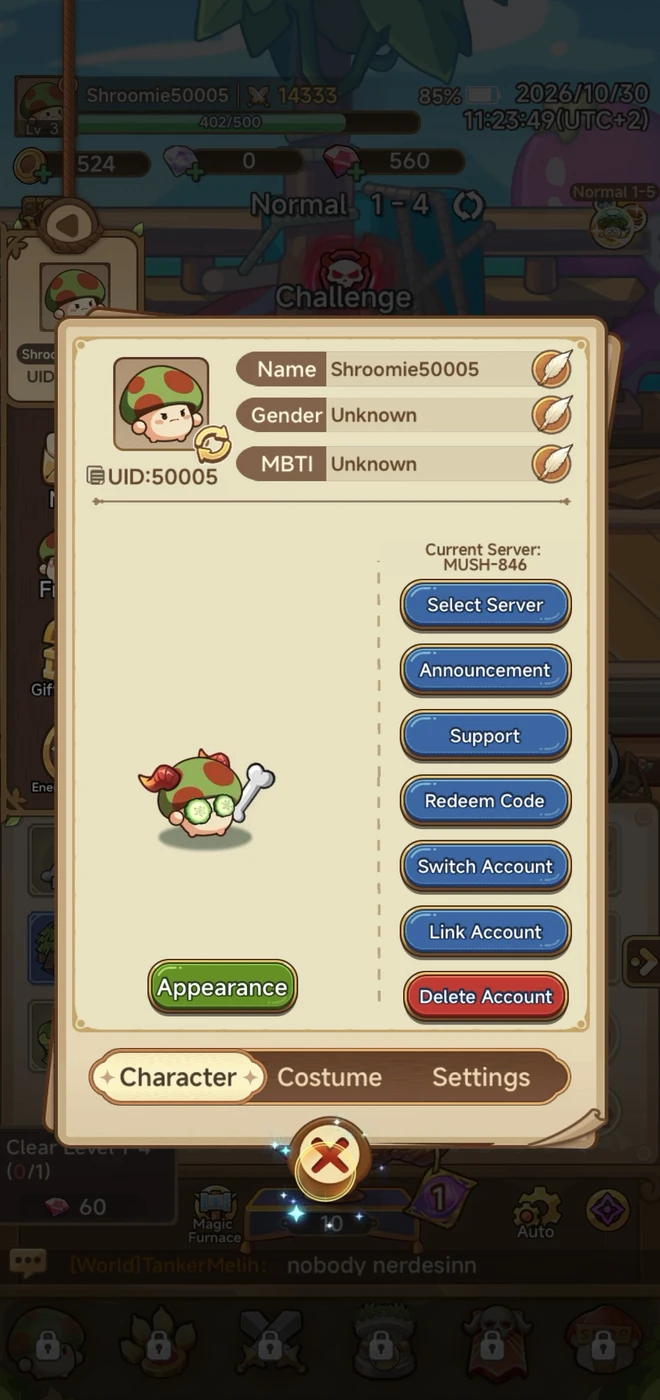
Nav bars pin primary destinations along the bottom or as a HUD strip. Shop, Attack, trophy, and home tabs stay selected while offers, village overlays, or daily-level modals sit above. Currency counters often share the same bar. Pause and set-piece menus list Camera, Play Settings, and Quit as a vertical rail. Scene progress and Jump Here prompts still leave the nav visible so players can leave the current flow.
TitleButtonOverlayCardCharacterHUDAvatarIcon

More59
CurrencyImageLabelModalProgress barCloseTabsLockGemsDialogueLogoSubtitleGridTutorial pointerTimerPopupPrice tagLevel indicatorHealth barTooltipNotification dotBadgeListLoaderStatsBackChestInfo IconMapCountdownBannerToggleGearConfettiInput fieldCategoryChevronStar ratingJoystickHeartMenuStatus indicatorSliderShopGiftCheckboxCarouselKeyboardDropdownSocialBirdEventScrollbarHomeKeyWidgetLikeSpinning WheelStreak Multiplier Bar

























Sign up for free to continue browsing
Sign up to keep browsing our growing library of mobile games, screens, ui elements, mechanics and flows
Join for free